Crazy number of Global Admins : A Silent Identity Risk
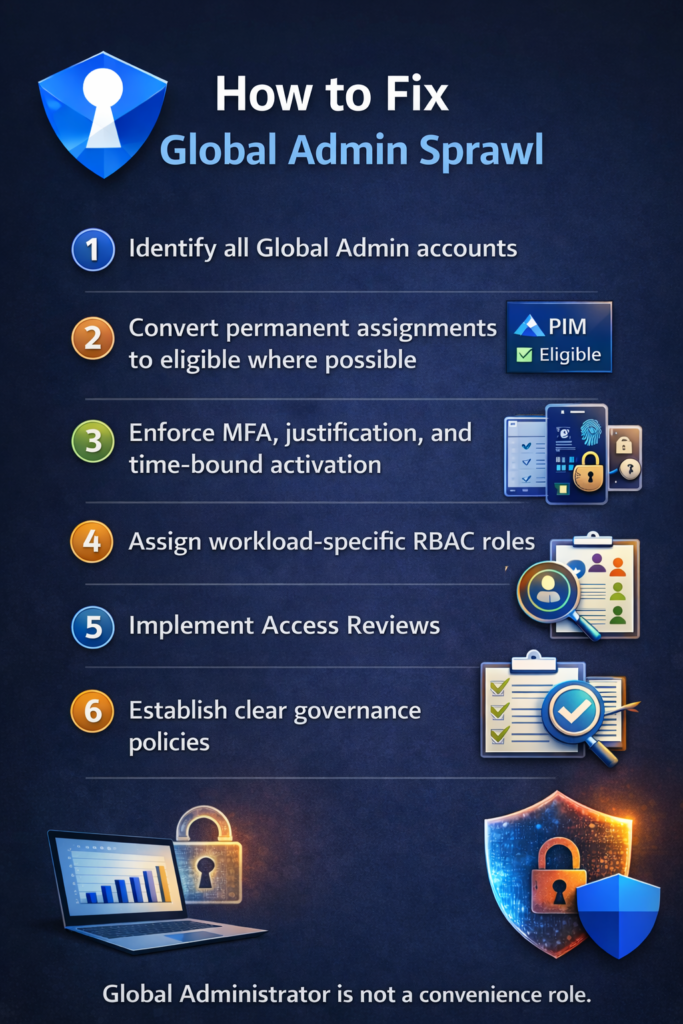
Few weeks back, during a routine identity review, I came across a Microsoft 365 tenant with over 30 permanent Global Administrators. This tenant also had Microsoft 365 E5 licensing, Privileged Identity Management (PIM) available, and zero eligible role assignments. This is a classic example of privilege sprawl. I paused the conversation to explain why this is a serious identity and security risk.
Why Too Many Global Admins Is Dangerous?
Global Administrator role has far more power than many organizations realize.
A Global Admin can:
- Disable or bypass Conditional Access
- Grant themselves or others any role
- Access or exfiltrate sensitive data
- Modify identity and security configurations
- Delete audit logs
- Effectively take full control of the tenant
If one Global Admin account is compromised, the blast radius is the entire organization. Treating Global Admin as a convenience role dramatically increases risk, especially in large or distributed teams.
How Many Global Admins Should You Really Have?
Microsoft recommends keeping permanent Global Administrators to an absolute minimum.
In practice, most organizations need:
- 2 break-glass accounts
- A very small identity or security team
Everyone else should be eligible, not permanently assigned.
When I see tenants with dozens of Global Admins, it usually points to poor role design or legacy access that was never cleaned up and “Just give GA, it’s faster” culture. In this case, the team even mentioned that their entire security team was asking for Global Admin. This convenience today can easily become a major risk tomorrow.
You Have E5 or Entra ID P2? Then You Must Use PIM
Privileged Identity Management allows you to:
- Convert Global Admin roles to eligible
- Require MFA and justification
- Set time-bound activations
- Maintain audit logs for role elevation
Permanent Global Admin access should be the exception, not the default. Using PIM turns privilege into a deliberate, time-bound decision, instead of a standing entitlement.
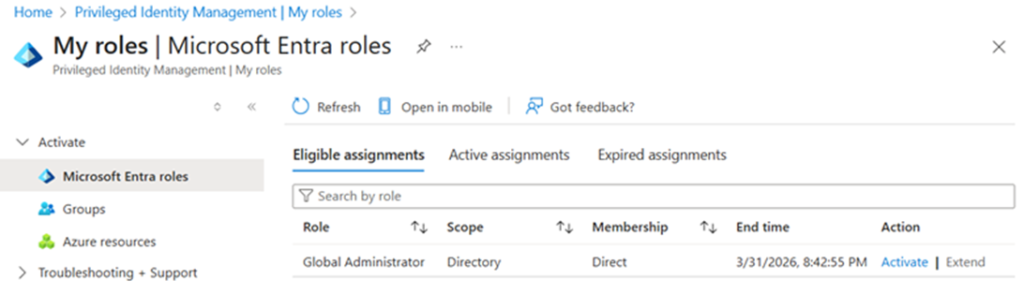
Learn more – Start using PIM – Microsoft Entra ID Governance | Microsoft Learn
RBAC Exists for a Reason – Use It!
Most users assigned GA do not need tenant-wide access
Instead:
- Use least-privileged Entra ID roles
- Use Intune RBAC for endpoint and device teams
- Use Exchange, SharePoint, Security, or Compliance Admin roles where appropriate
- Separate identity, security, and endpoint responsibilities
Good RBAC design reduces risk without slowing teams down. If everyone needs Global Admin to do their job, the problem isn’t Microsoft, it’s role design.
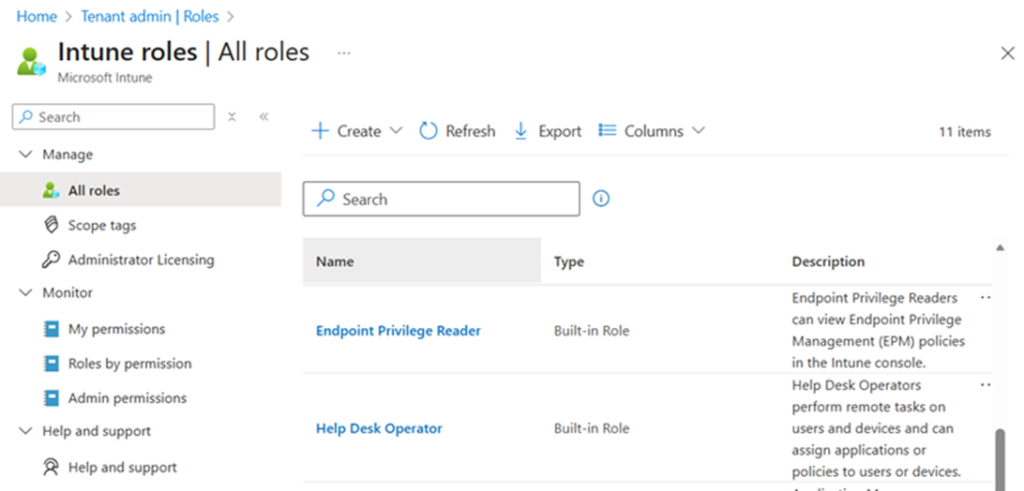
RBAC in Entra ID – Overview of Microsoft Entra role-based access control (RBAC) – Microsoft Entra ID | Microsoft Learn
RBAC in Intune – Role-based access control (RBAC) with Microsoft Intune – Microsoft Intune | Microsoft Learn
Access Reviews: The Most Underused Governance Control
Even when roles are assigned correctly, access becomes stale over time. People change roles, move between teams or join temporary projects, or leave the organization.
This is exactly why Access Reviews in Entra ID exist. With Access Reviews, organizations can:
- Periodically review privileged role assignments
- Automatically remove access if it’s not re-approved
- Delegate reviews to managers or role owners
- Enforce governance without manual audits or spreadsheets
Yet in many tenants, this capability is licensed but unused.
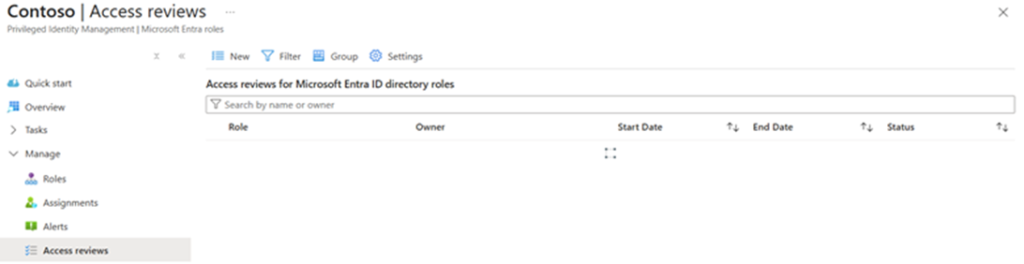
Learn more – What are access reviews? – Microsoft Entra – Microsoft Entra ID Governance | Microsoft Learn
PIM Without Access Reviews Is Not Enough
Without Access Reviews, eligible assignments accumulate and privilege becomes long-lived again.
RBAC + PIM + Access Reviews together form the foundation of privileged access governance.
How to Fix Global Admin Sprawl
- Identify all Global Admin accounts
- Convert permanent assignments to eligible where possible
- Enforce MFA, justification, and time-bound activation
- Assign workload-specific RBAC roles
- Implement Access Reviews
- Establish clear governance policies
Global Administrator is not a convenience role. If you haven’t reviewed your Global Admin count recently, now is the time. This is one of the highest-impact and lowest-effort ways to reduce organizational risk.
Organizations don’t need more Global Admins, they need better role design, controlled elevation, and continuous review.
